
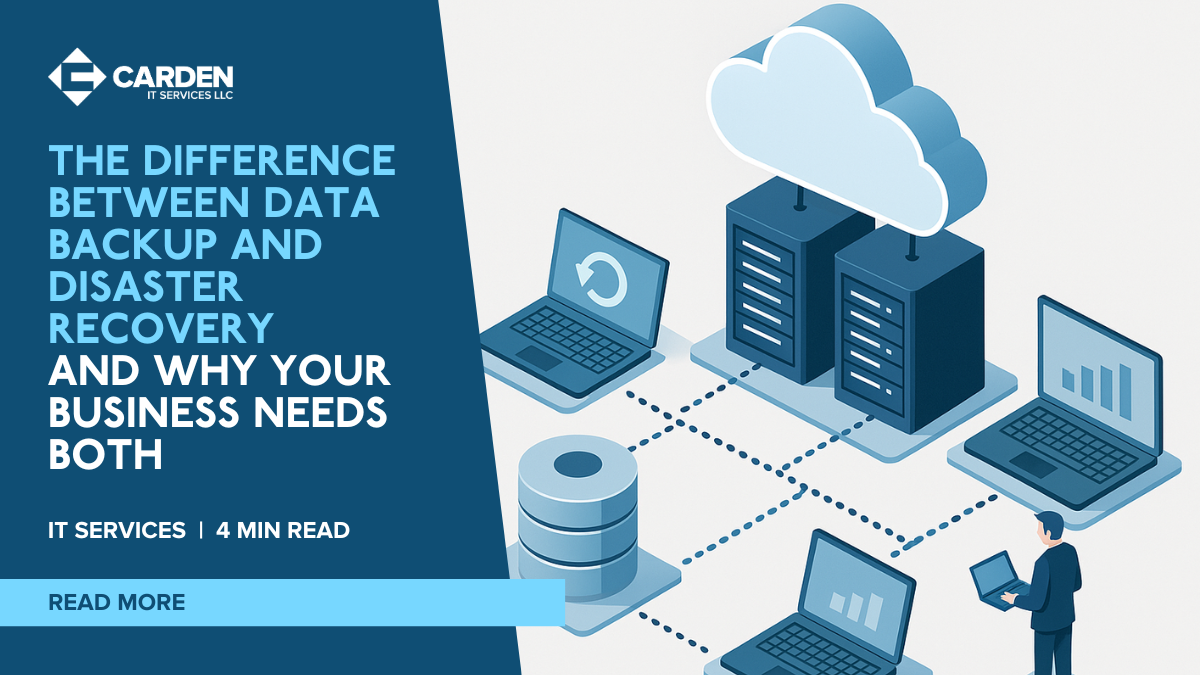
Every organization depends on its data to keep operations moving. Whether it is customer information, financial records, or the applications your team uses every day, losing access to that data can bring work to a standstill and harm your reputation. This is why understanding the difference between data backup and disaster recovery is so important. Both serve different purposes, and together they help your business stay operational even when something unexpected happens.
Why Backups Alone Do Not Provide Full Protection
A lot of companies assume that having a backup means they are completely covered. While backups are essential, they only solve part of the problem. A backup gives you a copy of your data, but it does not guarantee that you can quickly restore entire systems or resume work after a major disruption.
Take a ransomware event as an example. You may have clean backups of your files from before the attack, but rebuilding a server, reconfiguring applications, and getting everything running again can take hours or even longer without a proper disaster recovery plan. That delay costs time, productivity, revenue, and customer confidence.
What Is Data Backup?
A data backup is simply a duplicate copy of your information stored separately from your main systems. Backups protect you from accidental deletions, device failures, or small-scale data loss. They allow you to restore specific files, folders, or databases when needed.
Common Types of Backup
- Full backup: A complete copy of all selected data.
- Incremental backup: Backs up only the data that changed since the last backup.
- Differential backup: Backs up changes made since the last full backup.
- Cloud backup: Stores data securely in a cloud environment for offsite protection.
Cloud backup has become popular because it removes the risk of losing both your primary data and your local backups in the same incident. If your office suffers a fire, break-in, or flood, offsite cloud copies keep your data safe.
What Is Disaster Recovery?
Disaster recovery takes a broader approach. It outlines how your entire IT environment, including servers, networking, applications, and user access, will be restored after a major interruption such as a cyberattack, hardware breakdown, or system-wide outage.
Backups protect your data. Disaster recovery protects your ability to operate. A proper disaster recovery plan reduces downtime by giving you a clear, structured process for restoring services and keeping your team working.
Key Components of a Disaster Recovery Strategy
- Recovery Point Objective (RPO): How much data loss is acceptable, measured in time.
- Recovery Time Objective (RTO): How fast systems must be restored to avoid serious impact.
- Failover resources: Standby servers or cloud platforms ready to take over in an emergency.
- Documented procedures: Step-by-step instructions for restoring systems.
- Regular testing: Simulated scenarios to confirm the recovery plan works reliably.
Backup vs Disaster Recovery: What Is the Difference?
| Aspect | Data Backup | Disaster Recovery |
|---|---|---|
| Primary focus | Data protection | Restoring full operations |
| Purpose | Recover files and data | Restore systems, apps, and services |
| Scope | Files, folders, databases | Servers, networks, infrastructure |
| Recovery speed | Can vary depending on size | Designed for rapid system restoration |
| Typical scenario | Accidental deletion or small-scale data loss | Cyberattack, server failure, major outage |
Why Your Organization Needs Both
Backup and disaster recovery complement each other, but relying on only one leaves serious gaps.
If You Only Have Backup
- You can recover files, but you may be unable to operate if the environment to restore them to is down.
- Rebuilding entire servers or applications from scratch can take days.
- A damaged office or server room may leave you with nowhere to restore your data.
In short, your data might be safe, but your business could still be offline.
If You Only Have Disaster Recovery
- If backups are outdated, recovery systems may restore old or incomplete information.
- If malware has spread into your recovery environment, you may end up restoring compromised data.
- Lack of clean backups can make compliance or auditing difficult.
A failover system is helpful only when you have reliable, verified data to load into it.
Why a Combined Approach Delivers True Continuity
When both backup and disaster recovery work together, your organization gains reliable resilience. Backups ensure your information is intact. Disaster recovery ensures that information can be restored quickly into a functioning environment.
Backups protect what you restore. Disaster recovery defines how you restore it.
This combined strategy supports Business Continuity by ensuring your organization can keep operating, even during serious incidents.
Together, they help you:
- Reduce the risk of permanent data loss
- Minimize downtime
- Protect revenue and client relationships
- Meet cybersecurity, compliance, and insurance requirements
Example Scenario
Imagine a manufacturing business hit by ransomware that locks its production software. With only backups, they could eventually restore files, but rebuilding servers and verifying systems would take time. Production might stop for days.
With a backup and disaster recovery solution, they have clean, recent backups plus a prepared failover platform. Systems can be brought online more quickly, allowing production to continue while the incident is resolved.
Building a Reliable Backup and Recovery Plan
Each business has unique systems, priorities, and risk levels. An effective strategy should reflect how quickly you need to recover, how frequently your data changes, and which workloads matter most.
Partnering with Carden IT Services means working with a team that can design, deliver, and manage a complete solution. We provide secure cloud backup, robust disaster recovery planning and end-to-end Business Continuity services tailored to your organization.
Strengthen Your Continuity Strategy Today
Understanding how backup and disaster recovery work together is essential for protecting your business from modern threats. Backups safeguard your data. Disaster recovery keeps your business operating. Together, they give you the confidence that your organization can recover quickly, safely, and with minimal disruption.
Speak with Carden IT Services to review your current setup and put a modern, reliable continuity plan in place. Or explore our full suite of services including Managed IT Services, Cloud Computing, and comprehensive Business Continuity & Disaster Recovery (BC/DR) solutions.
