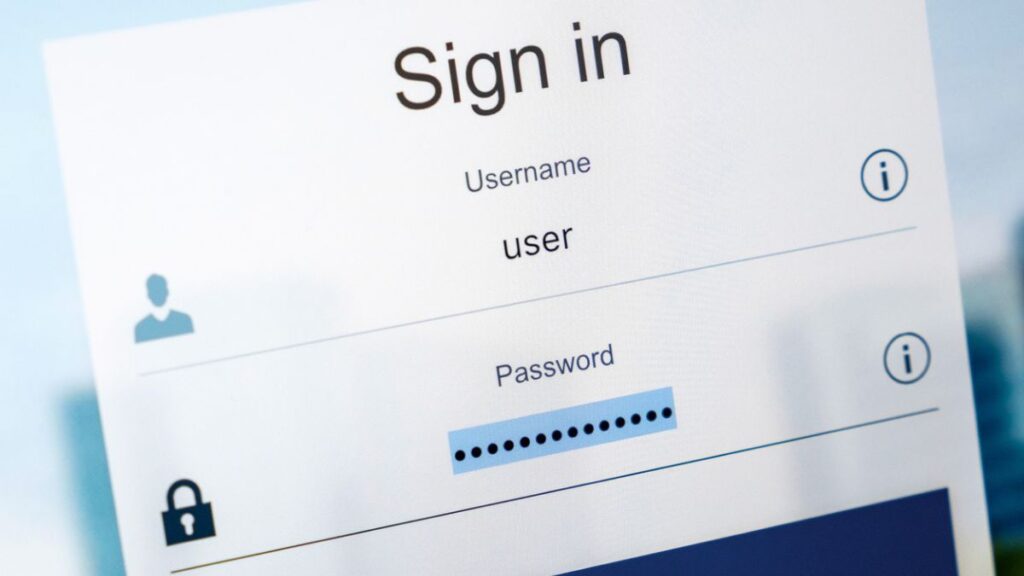
How secure are your credentials? Even if you are completely confident in your own, what about your employees? While strong passwords alone are not a comprehensive cybersecurity defense, they are the first line of protection against attacks.
Weak or reused credentials make you more vulnerable to brute force attacks and data breaches. Just one compromised login can put your entire network at risk. That is why every organization should have a clear, consistently enforced credential policy in place.
How Are Passwords Broken?
In order to understand what makes a strong password, it helps to first understand how attackers compromise them. There are two main methods: brute force attacks and phishing.
Phishing involves using fraudulent emails to trick someone into handing over their login details without realizing they are sending them to a criminal.
A brute force attack works differently. It involves trying different combinations of letters, numbers, and symbols until a match is found. Rather than starting from scratch, most attackers use a dictionary attack, which begins with every word in the dictionary along with common variations and substitutions (such as replacing the letter “a” with the “@” symbol). They also test lists of previously leaked credentials.
These attacks are not conducted manually. Attackers use software capable of testing hundreds of thousands of combinations every minute. The key takeaway is simple: the longer and more complex your login credentials are, the harder they are to crack.
What Makes A Good Password?
Here are the core elements of strong login credentials.
- Long
A single character would be broken instantly. A common word like “apple” might hold up a few milliseconds longer. But a phrase like “apple-house-virginia-cafe” would take a dictionary attack significantly longer to crack. Length is one of the most important factors in determining how secure a credential is. - Unique
Every account, service, and device should have its own distinct login. If someone guesses or steals one set of credentials, reuse means they potentially have access to everything. If a hacker has already compromised one account, that will be their first attempt when targeting another. - Complex
Length is important, but combining uppercase and lowercase letters, numbers, and symbols makes access codes even harder to break. The most secure credentials are fully randomized combinations of all these elements, for example: “haOFdt0&WHaa3a!d7pgi3gmV”.
You are probably thinking that if your login looked like that, you would never be able to remember it, let alone maintain unique ones for every account. That is completely fine, and in fact it is safer if you do not memorize them. Here is why.
Why You Should Use a Password Manager
A credential management tool generates and stores randomized login details in an encrypted vault, secured by a single master passphrase. That is the only thing you need to remember. Many people use an entire sentence as their master passphrase, with a few numbers and symbols added for extra strength.
Most password managers also have browser extensions and mobile apps that will autofill your login details automatically when they detect a known site or application.
The benefit is straightforward: you get extremely secure, unique credentials for every account without having to remember any of them. It is also much harder to accidentally expose something you have never actually memorized.
Implement Multi-Factor Authentication
Multi-Factor Authentication (also known as Two-Factor Authentication, 2FA, or MFA) requires a second piece of verification in addition to your username and password. Most commonly this is a code generated by an app like Microsoft Authenticator or sent via SMS to your phone.
MFA significantly raises the bar for attackers. Even if they have your credentials, they would also need physical access to your unlocked device at the precise moment of their attempt to get in.
Have a Credential Policy In Place
Once you have established good practices for creating and storing login details, the next step is making sure everyone in your organization follows the same standards. A formal credential policy provides a clear reference point for staff.
Such a policy can set minimum requirements for length, complexity, and the use of symbols before a new login is considered acceptable. It creates consistency across your organization and removes ambiguity about what “secure” actually looks like.
How To Draft a Password Policy
If you are not sure where to begin, here is a straightforward framework.
- Summary
Your team will be more likely to follow the policy if they understand the reasoning behind it. Explain clearly why strong credentials matter and what the risks are if they are compromised. - Scope
Define which team members, accounts, and systems are covered by the policy. - The Policy Itself
Include a full explanation of your requirements, for example: how often credentials should be rotated, which character types must be included, and how login details should be stored (particularly if your organization uses a credential management tool).
This is a simplified starting point, but it is a solid foundation. Remember that your policy will need to evolve over time as circumstances, technology, and threats change.
We hope this has been a useful overview of why strong login credentials and a consistent organizational policy matter. If you would like help implementing MFA, migrating to a credential management tool, or developing a policy for your organization, speak to our security team today.